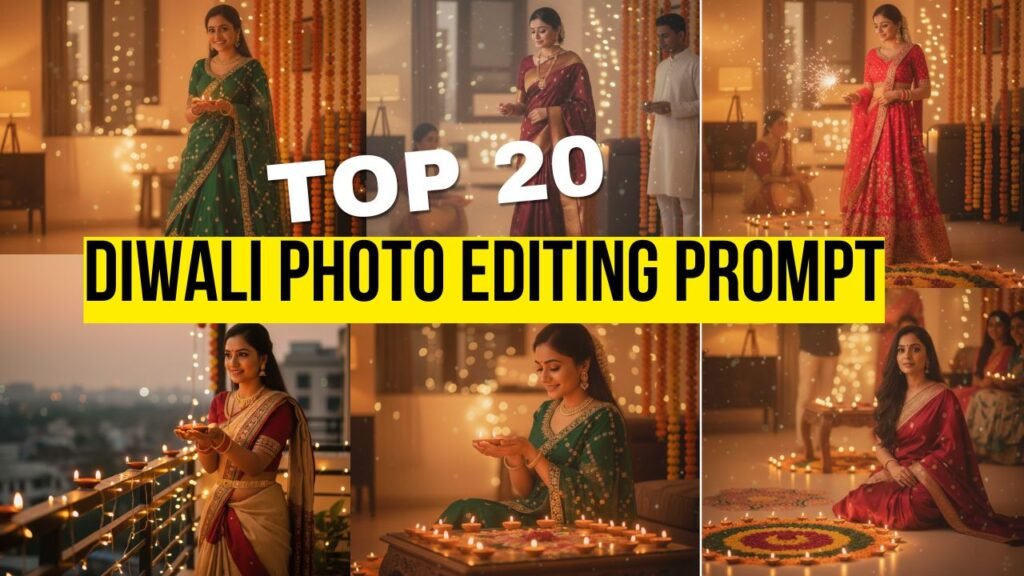

Friends, here we’ve shared the Top 20 Diwali prompt for Gemini girls that you can use to beautifully edit your Diwali photos. By using Google Gemini, you can make your Diwali pictures look even more attractive, festive, and eye-catching. These prompts will help you bring out your unique Gemini charm in every shot!
1. Warm Diwali Glow Portrait
Prompt: Use the uploaded photo and transform it into a beautiful woman wearing a vibrant green lehenga with golden embroidery. Add a soft, golden Diwali glow around her and place diyas near her hands and at her feet. Create a festive background filled with warm fairy lights and subtle bokeh effects. Keep her skin tone natural and the lighting warm, making the image look like it was genuinely captured on a phone during a cozy Diwali evening.
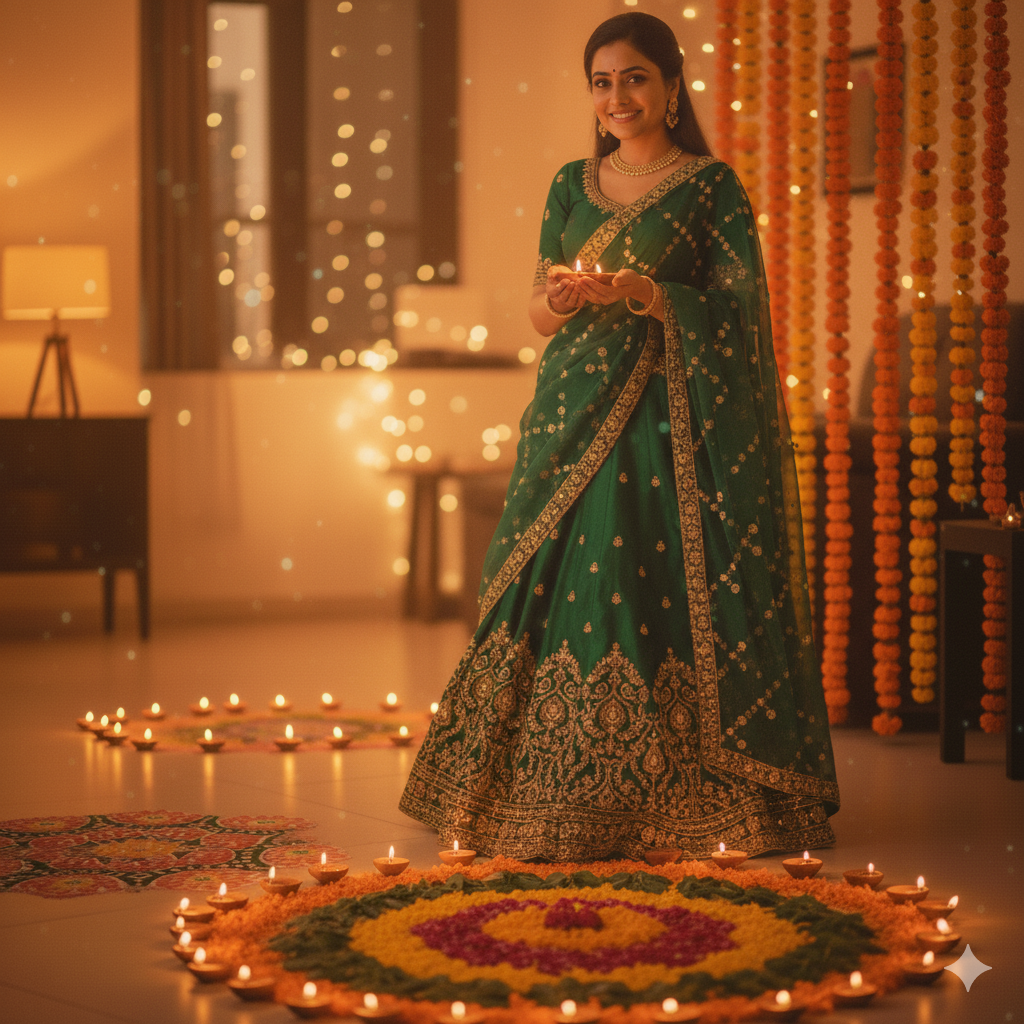
2. Realistic Festive Evening Shot
Prompt: Transform the uploaded image by creating an evening Diwali setting with subtle golden lighting. Add softly glowing diyas on the floor and background fairy lights. Maintain the original facial details and use realistic phone camera lighting to mimic an authentic, candid festive click. Add gentle shadows and natural highlights for realism.
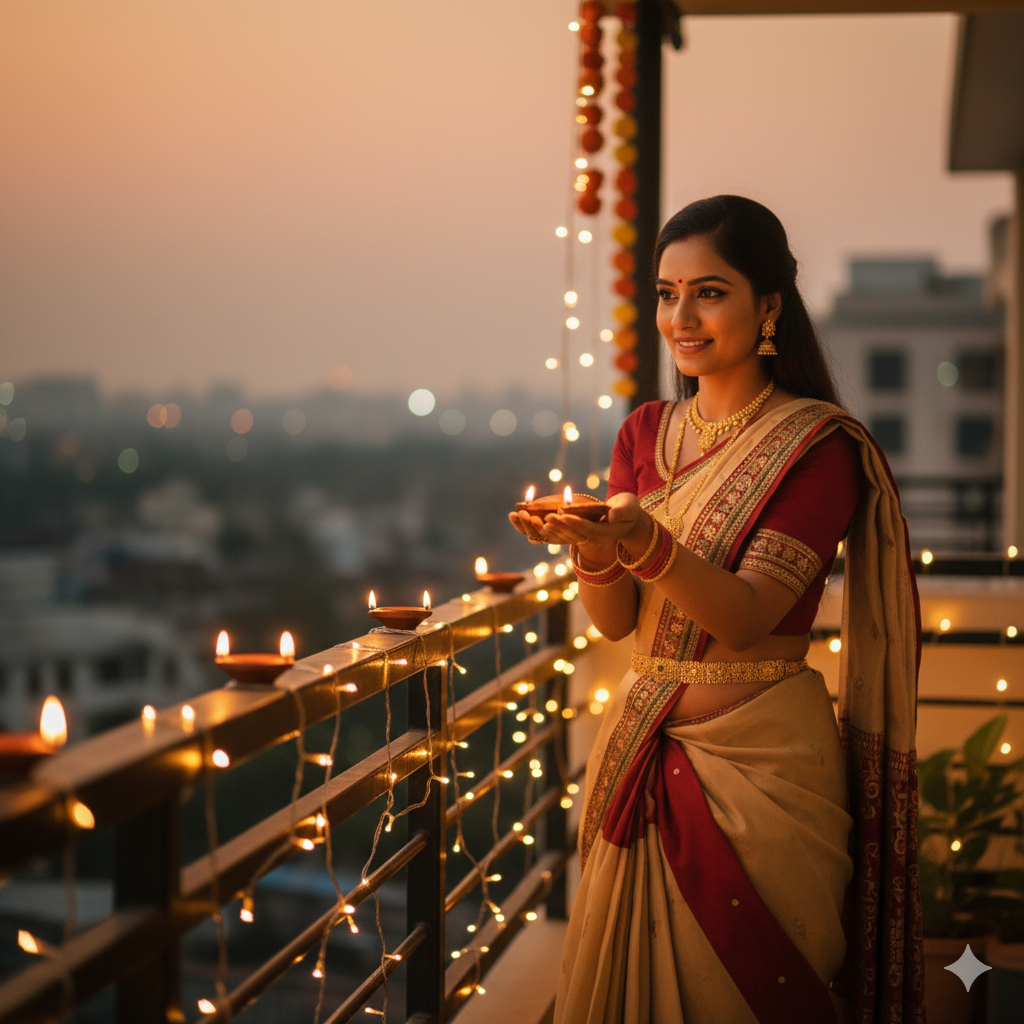
3. Balcony Diwali Lights Scene
Prompt: Use the uploaded photo and place the lady on a balcony decorated with string lights and diyas. Add a soft orange evening hue and ensure the lighting appears warm but unfiltered, like taken from a smartphone camera. Keep the focus natural, slightly blurred background lights for a realistic phone-shot effect.
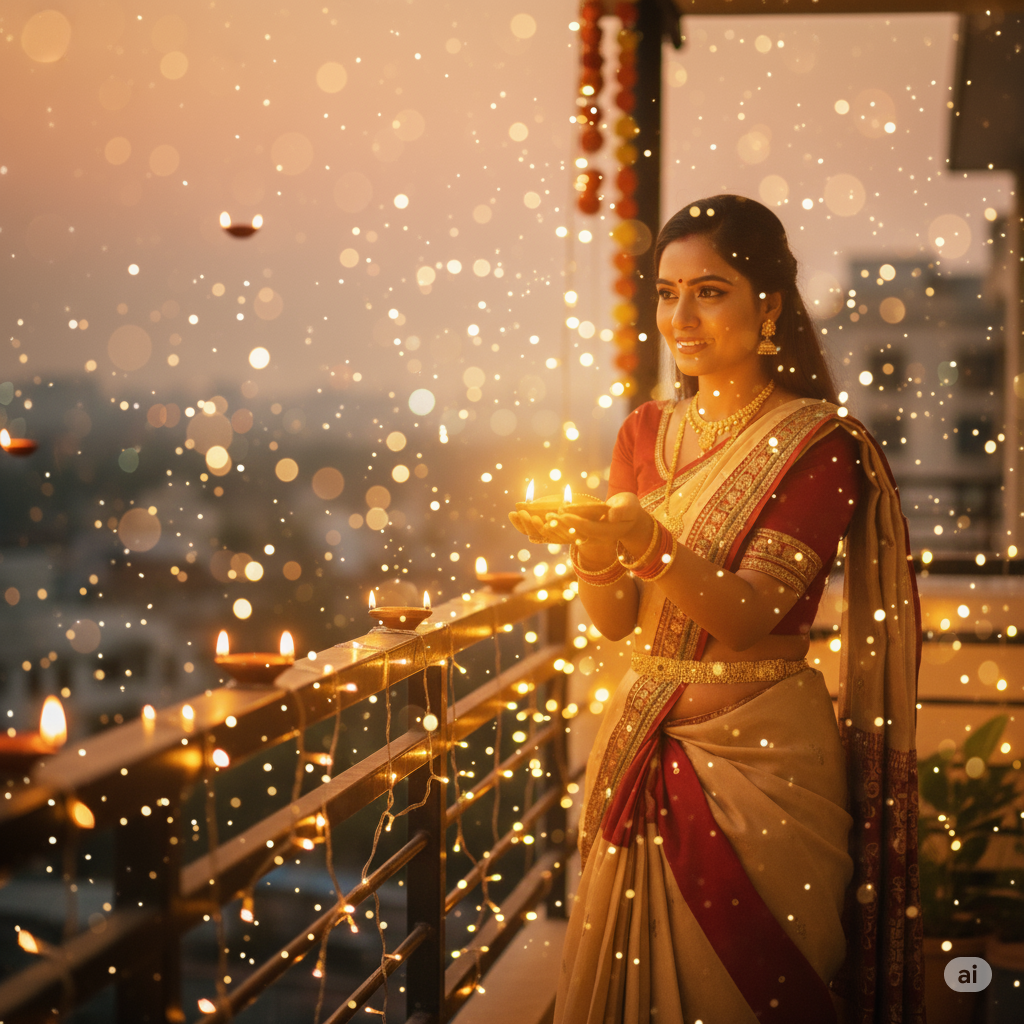
4. Indoor Diya Celebration Look
Prompt: Transform the uploaded image by placing a beautiful woman indoors wearing a traditional lehenga with a delicate gajra adorning her hair. Surround her with glowing diyas on a decorated table, adding soft reflections of warm light on her face. Maintain natural festive tones and gentle shadows for an authentic atmosphere. Ensure the photo looks cozy, realistic, and naturally clicked on a phone during Diwali night.
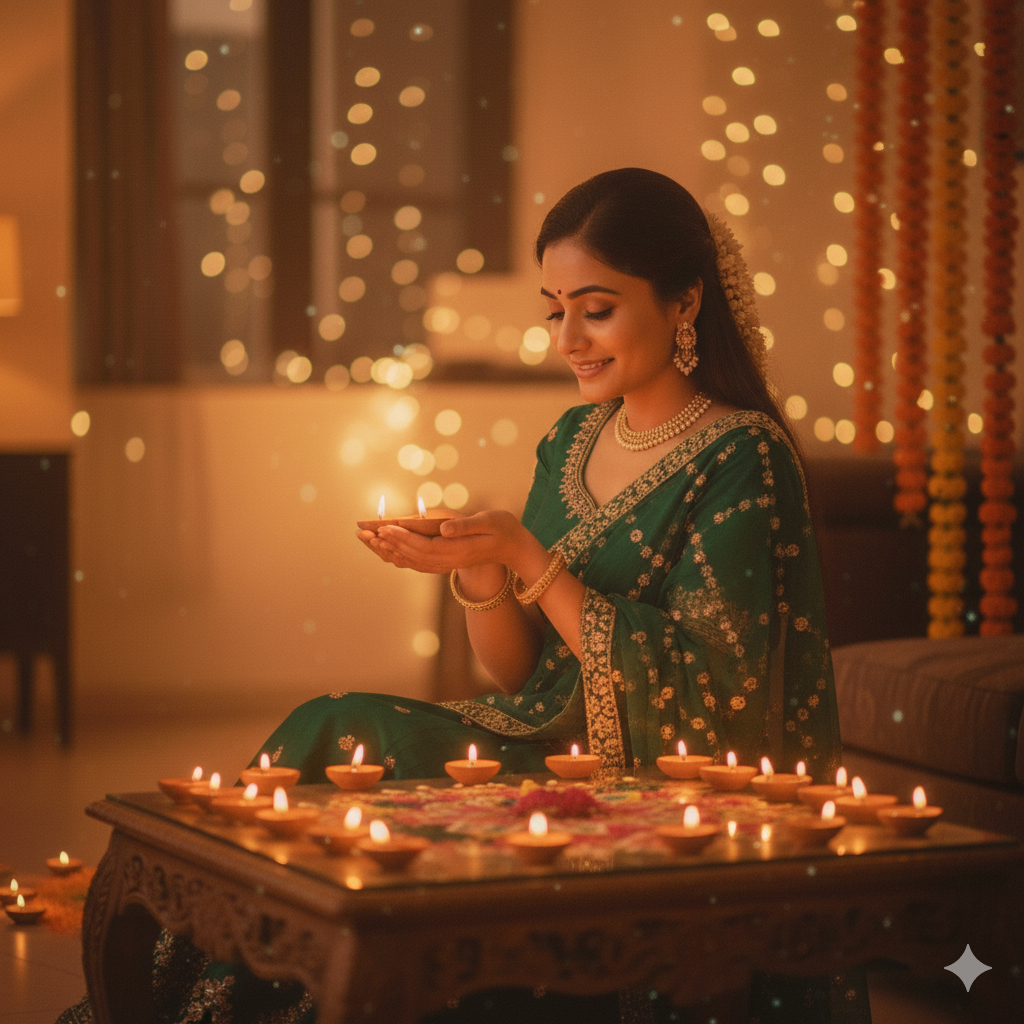
5. Traditional Outfit and Light Sparkle
Prompt: Use the uploaded photo and transform it to show a beautiful woman dressed in a traditional yellow saree, celebrating Diwali joyfully. Add softly glowing diyas around her and warm fairy lights in the background to create a festive depth. Enhance the lighting to highlight her saree’s golden tones while keeping her skin tone natural. Ensure the image feels warm, authentic, and realistically clicked on a smartphone during Diwali celebrations.
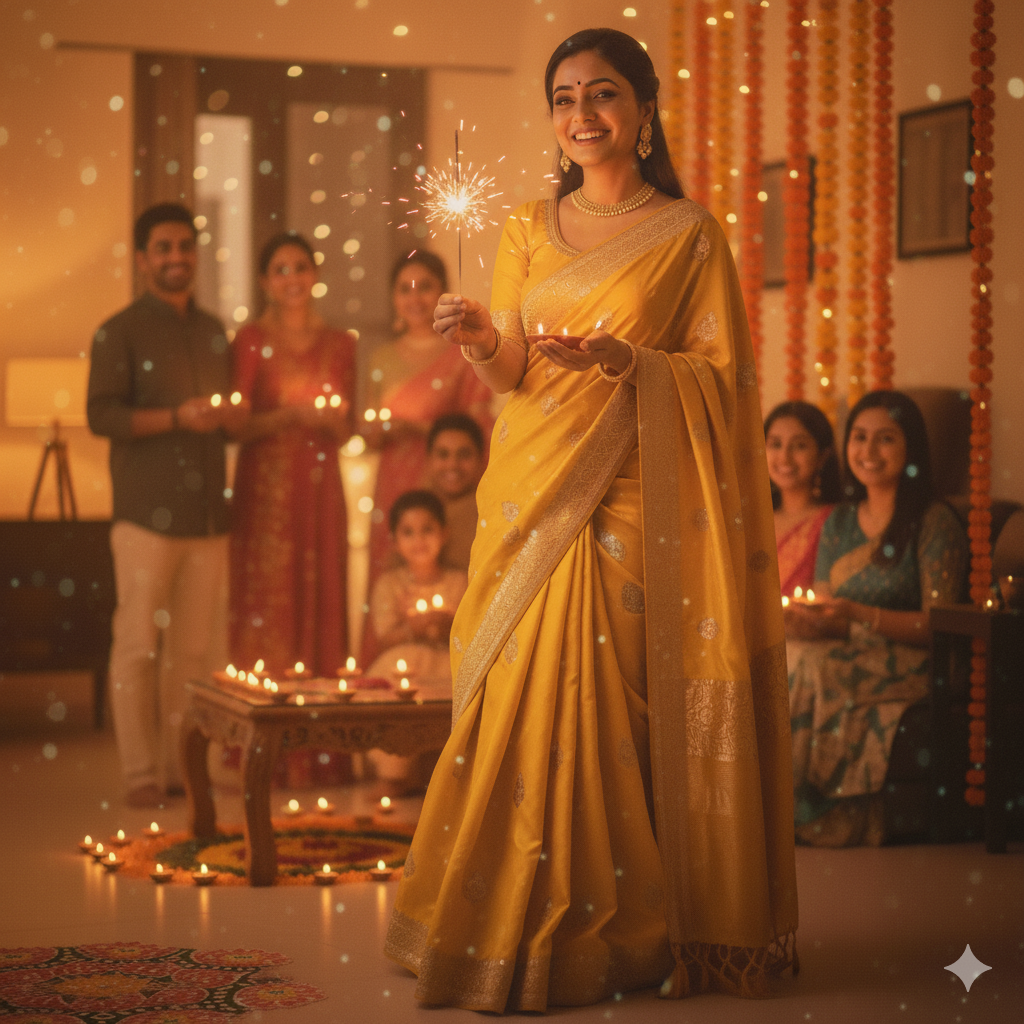
6. Outdoor Night Diwali Shot
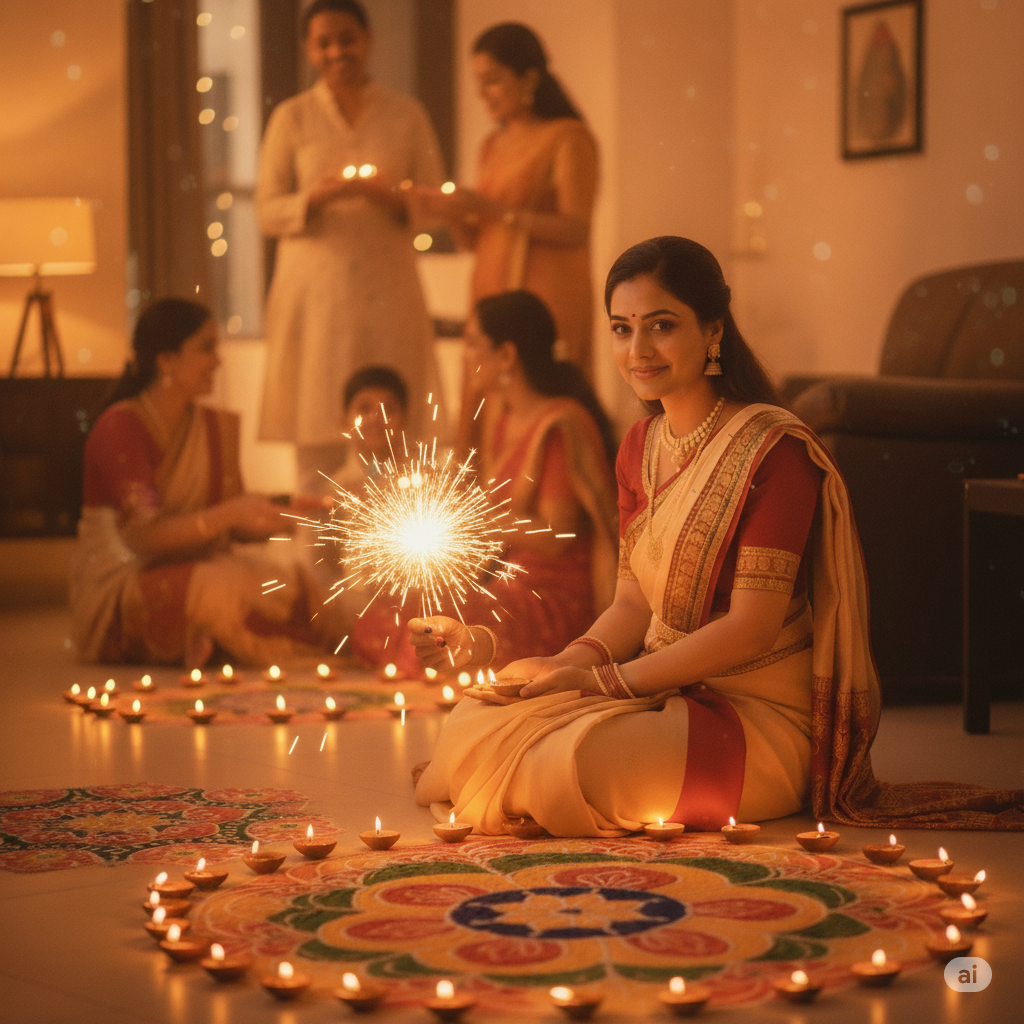
Prompt: Use the uploaded photo and transform it to show a beautiful woman posing with a lit phuljhari in her hand, dressed in elegant traditional attire. Add soft festive lighting with diyas glowing nearby and a warm family background celebrating Diwali together. Keep the textures natural and the expressions joyful, making the image look like a candid phone-clicked festive moment filled with warmth and togetherness.
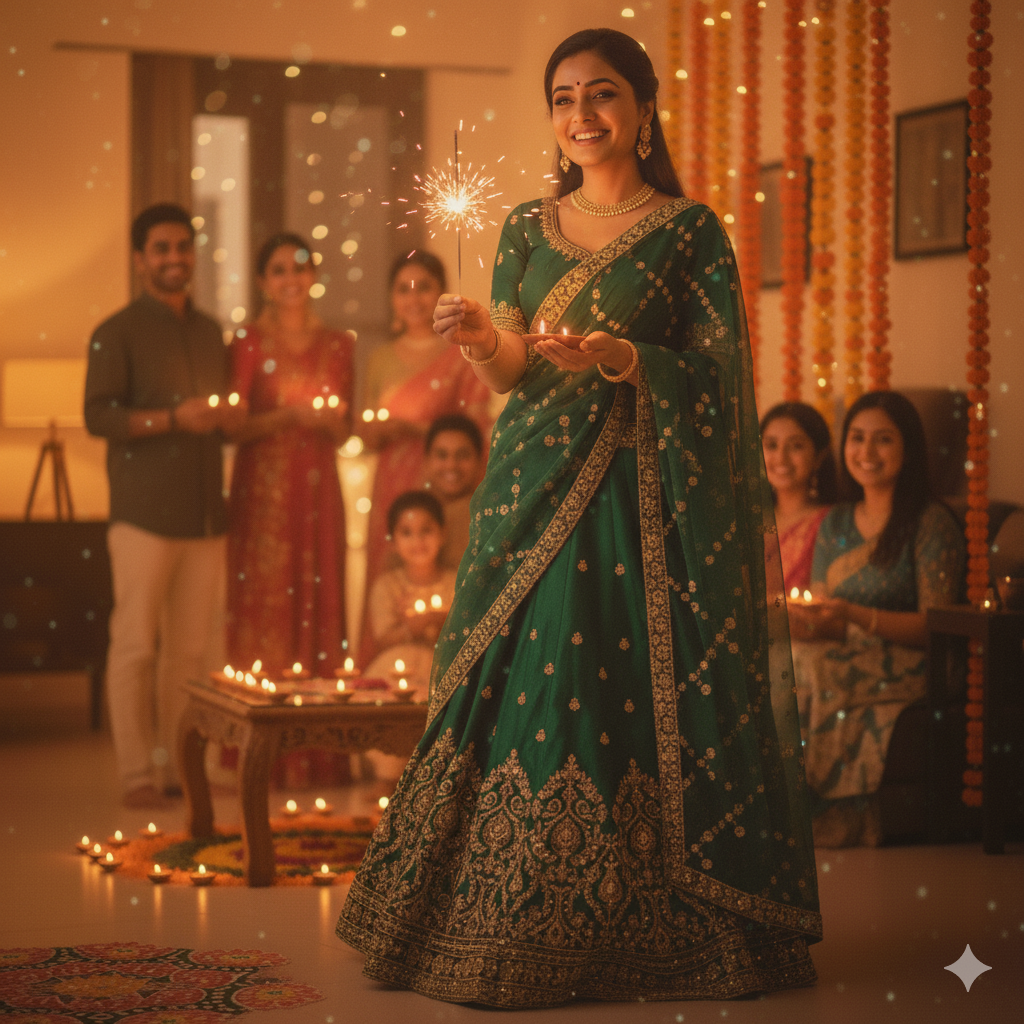
7. Candid Diya Holding Pose
Prompt: Use the uploaded photo and make her hold a glowing diya in both hands, capturing the warm light reflection on her face. Ensure the lighting looks like a phone flash combined with natural diya glow. Keep the focus crisp on her face while the background remains softly blurred for authenticity.
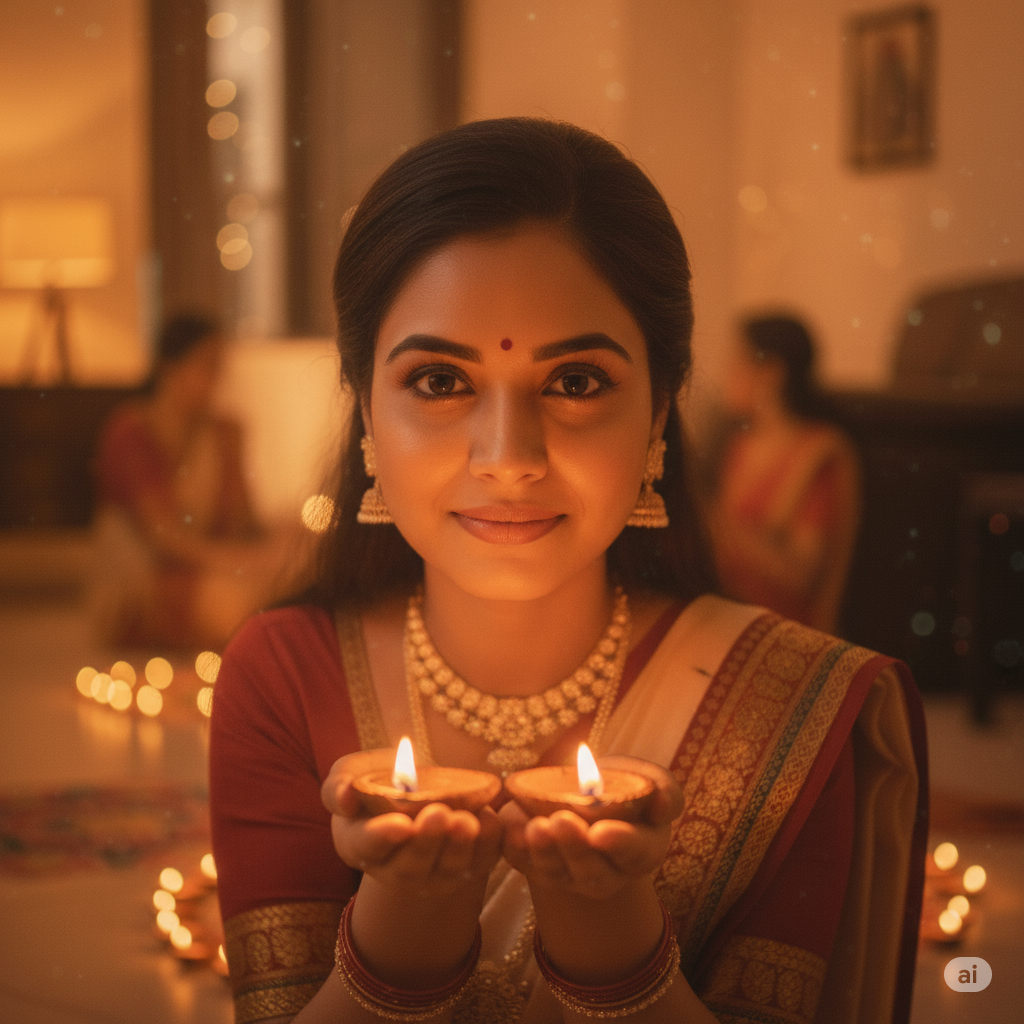
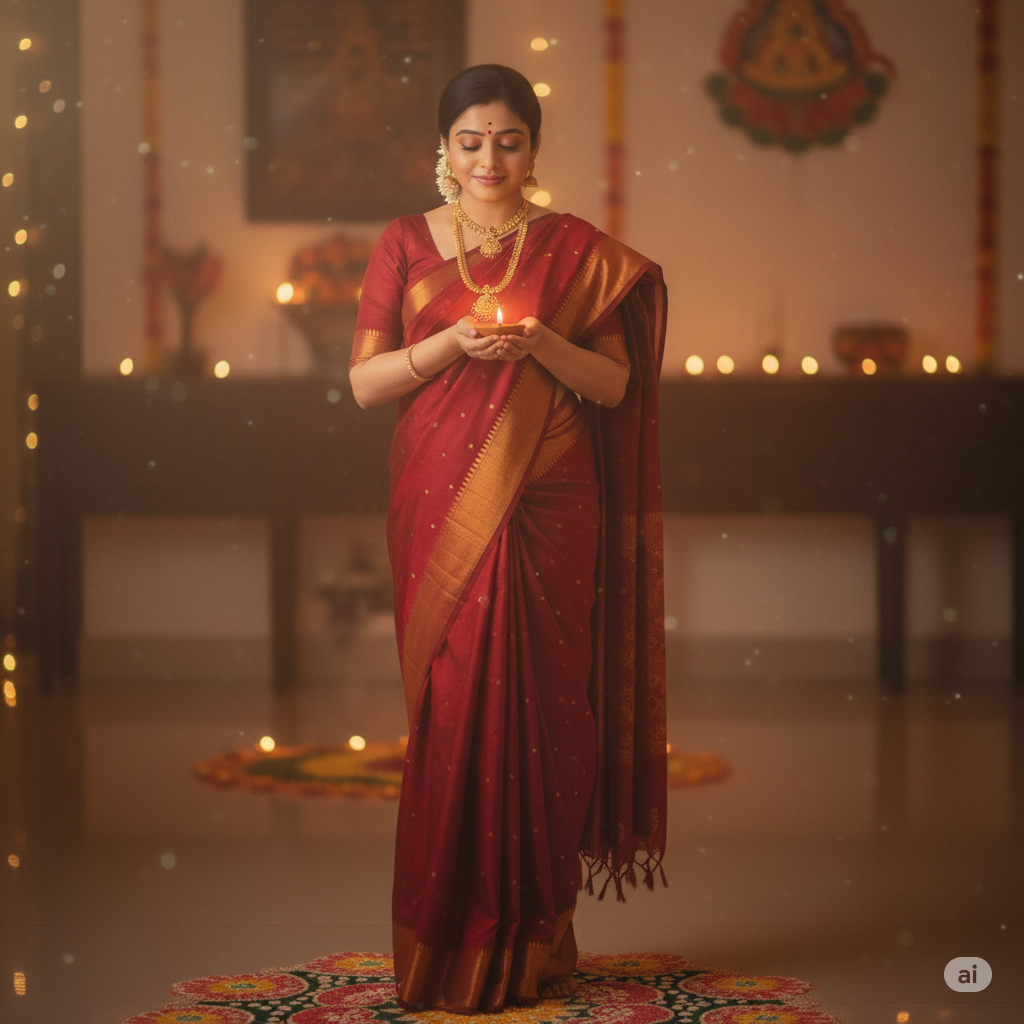
8. Standing with Diya in Hand
Prompt: Transform the uploaded image by making her stand elegantly in a traditional saree, holding a glowing diya close to her chest. Add soft orange lighting reflecting on her face and jewelry. Keep the background slightly blurred with faint rangoli patterns below. The overall photo should look naturally taken from a phone camera
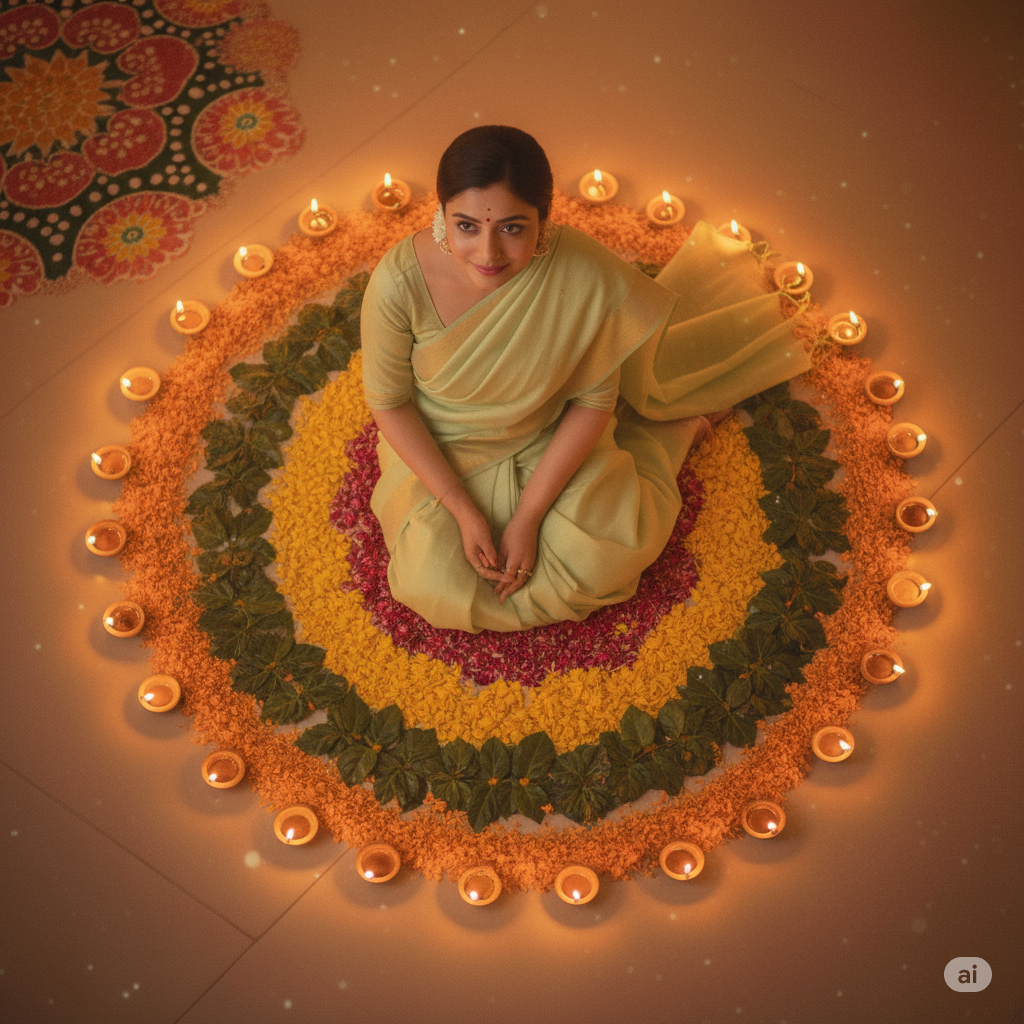
9. Top Angle Rangoli View
Prompt: Transform the uploaded image by showing the lady sitting inside or beside a big rangoli from a top-view angle. Her face glows softly from surrounding diyas. Keep the lighting natural and bright, as if clicked from a phone camera without filters during a home photoshoot.
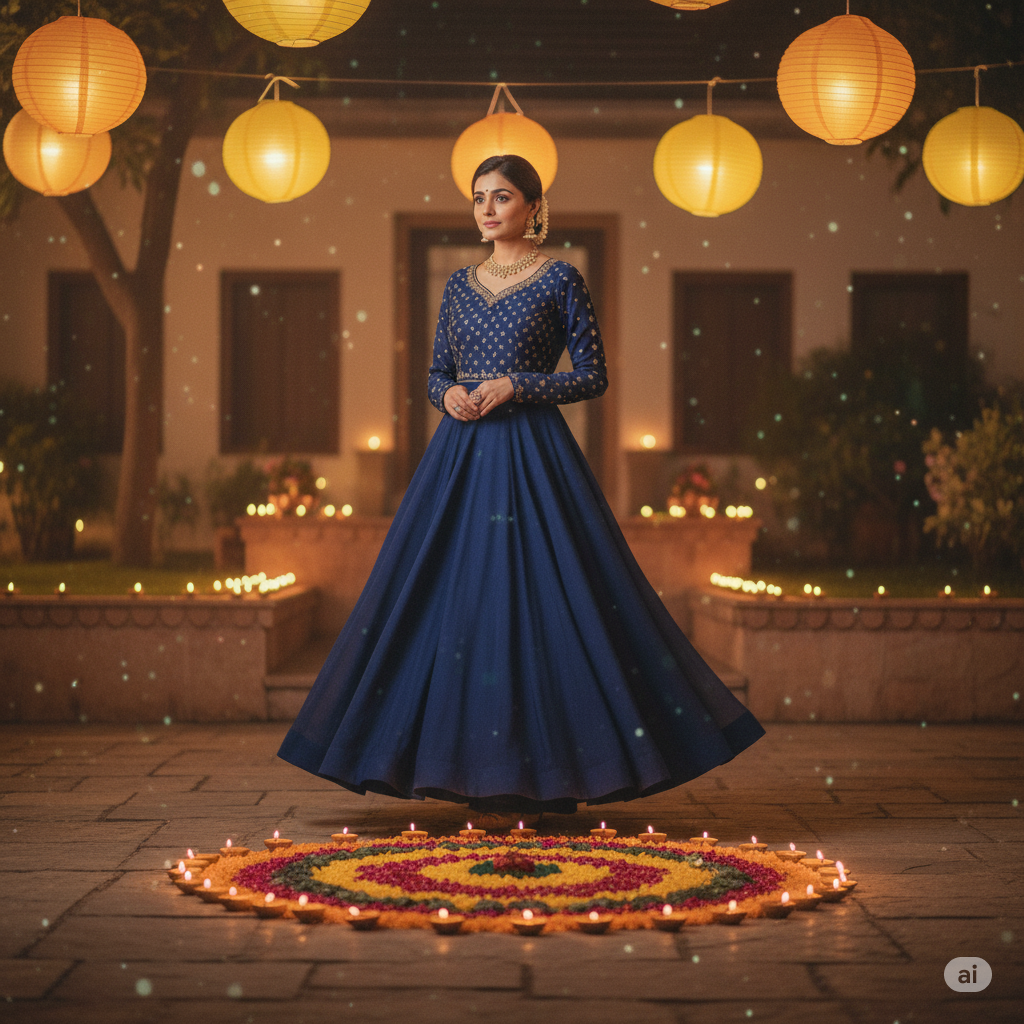
10. Royal Look with Marigold and Diyas
Prompt: Transform the uploaded image by giving her a royal festive appearance in a deep blue or wine-colored Anarkali Suit. Add marigold strings hanging behind and a large circular rangoli with diyas around it. Use golden ambient lighting to make it feel like a naturally clicked phone photo.
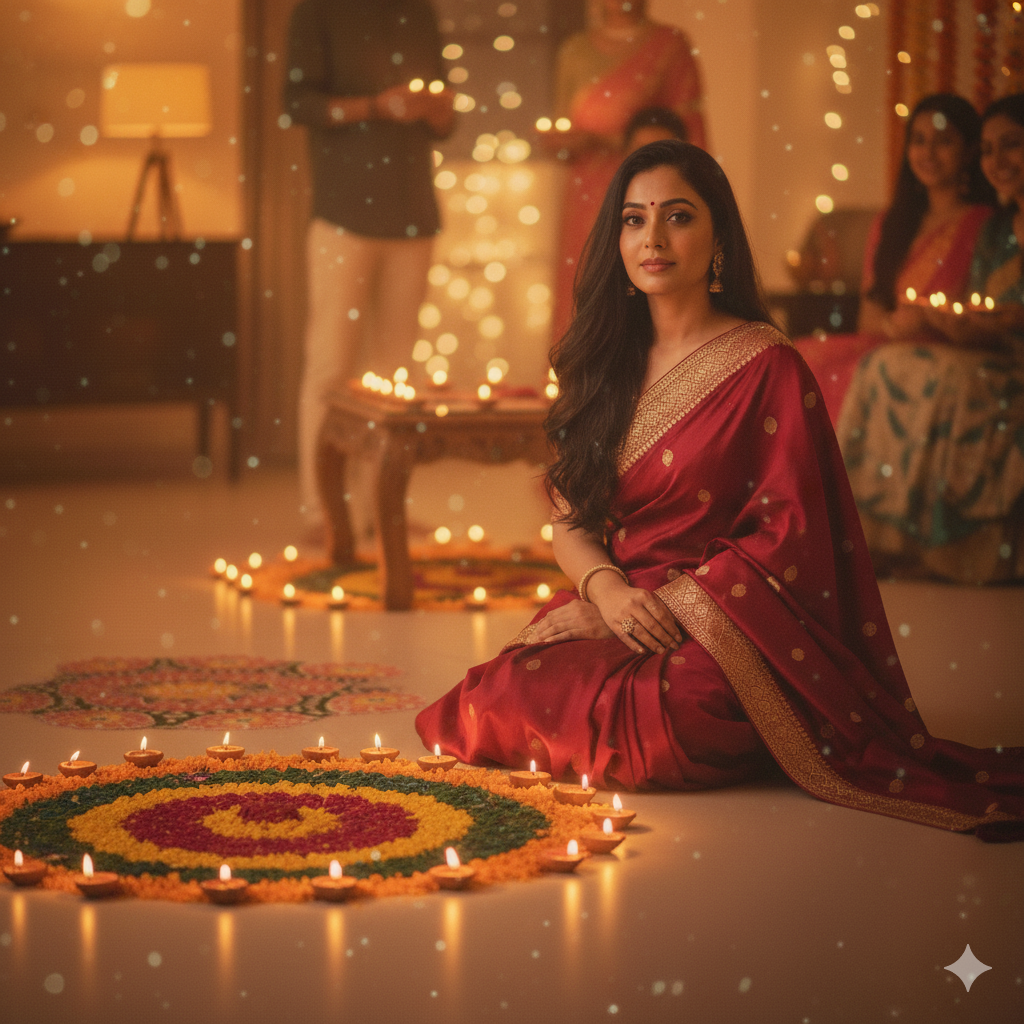
11. Natural Diwali Glow with Rangoli
Prompt: Use the uploaded photo and transform it to show a woman wearing a stunning red saree with long, flowing hair, sitting gracefully beside a colorful rangoli surrounded by glowing diyas. Add a soft, warm Diwali light reflecting on her face for a festive glow. Keep the lighting realistic, colors natural, and background slightly blurred to give the photo a cozy, phone-captured Diwali vibe.
12. Modern Minimalist Diwali Decor
Prompt: Use the uploaded photo and set her in a modern living room with minimal decor — a small geometric rangoli and metallic diyas. Dress her in an elegant Indo-western jumpsuit with ethnic jewelry. Use soft white lighting to make it look like a clean, phone-captured Diwali moment.
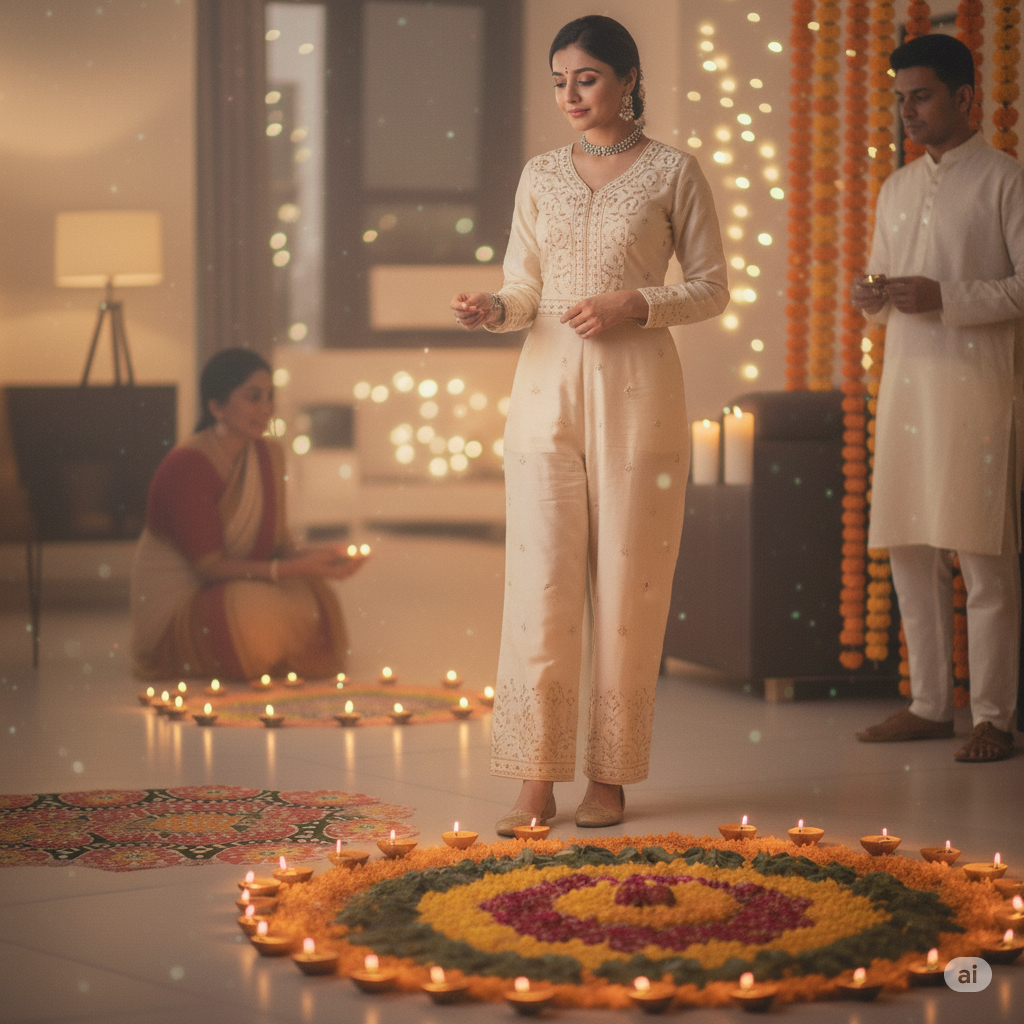
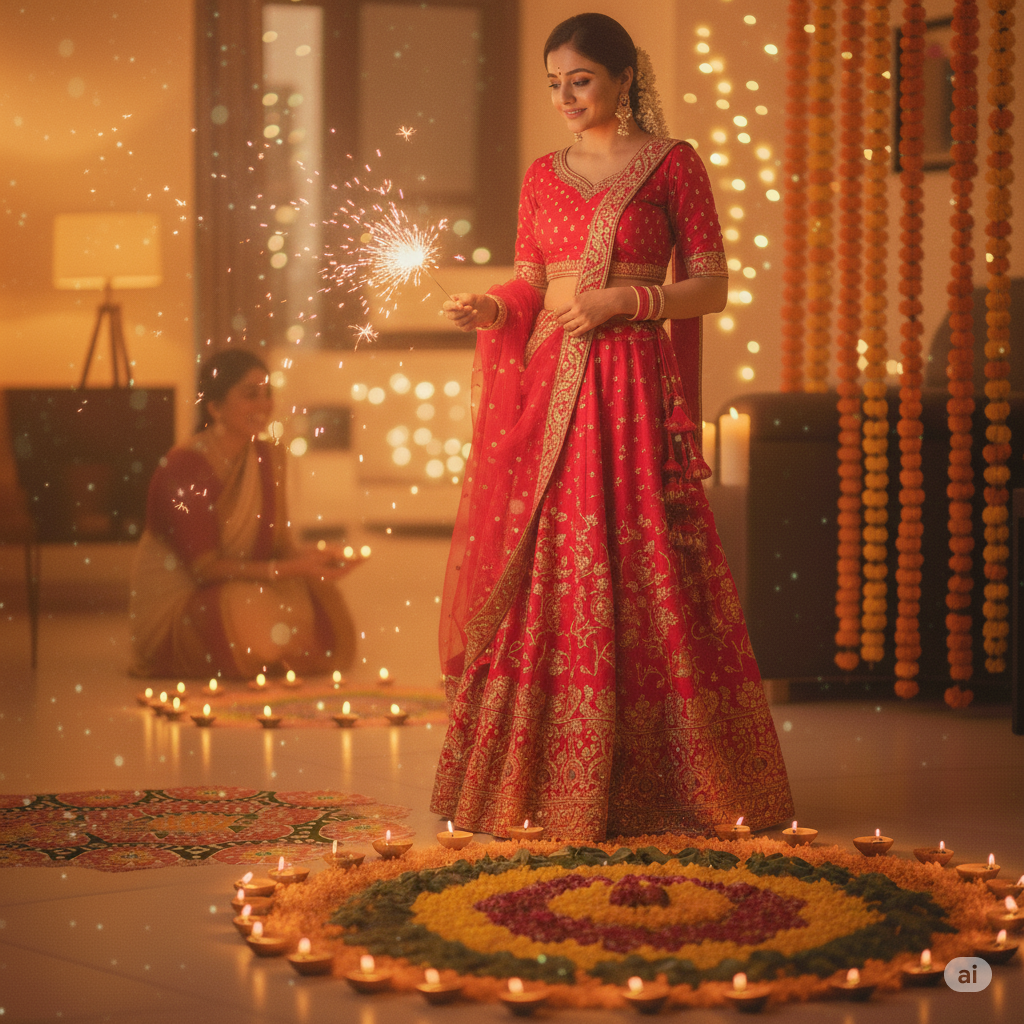
13. Lehenga Choli and Sparkler Celebration
Prompt: Transform the uploaded image by dressing her in a bright red lehenga choli. Make her hold a sparkler near a rangoli with diyas glowing around. Add a soft festive sparkle and keep the overall look real, bright, and unfiltered — as if taken from a phone camera at night.
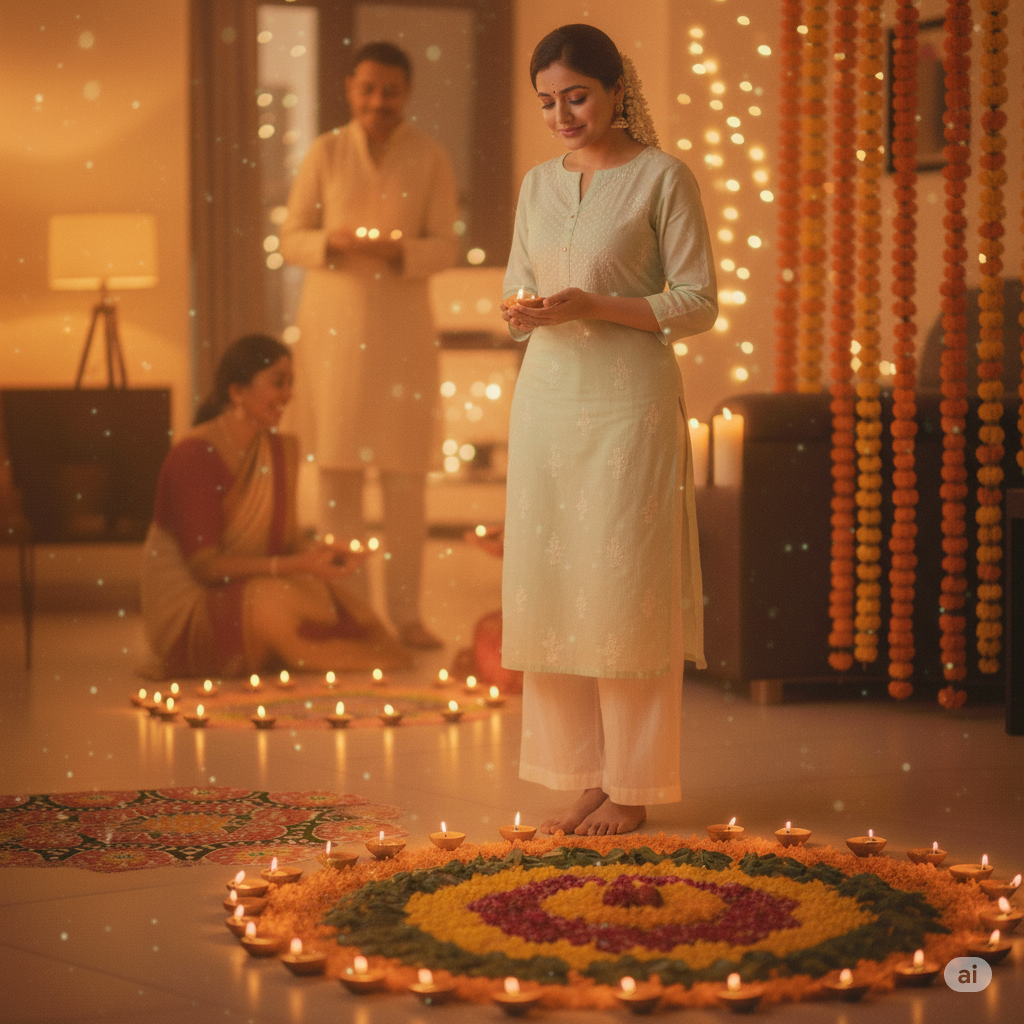
14. Simple Kurti Look with Home Décor Vibes
Prompt: Use the uploaded photo and style the lady in a pastel-colored kurti. Set her beside a small rangoli design with diyas placed in a semi-circle. Add fairy lights and candles in the background to create a homely, cozy Diwali look. Keep the lighting natural and warm like a real smartphone shot.
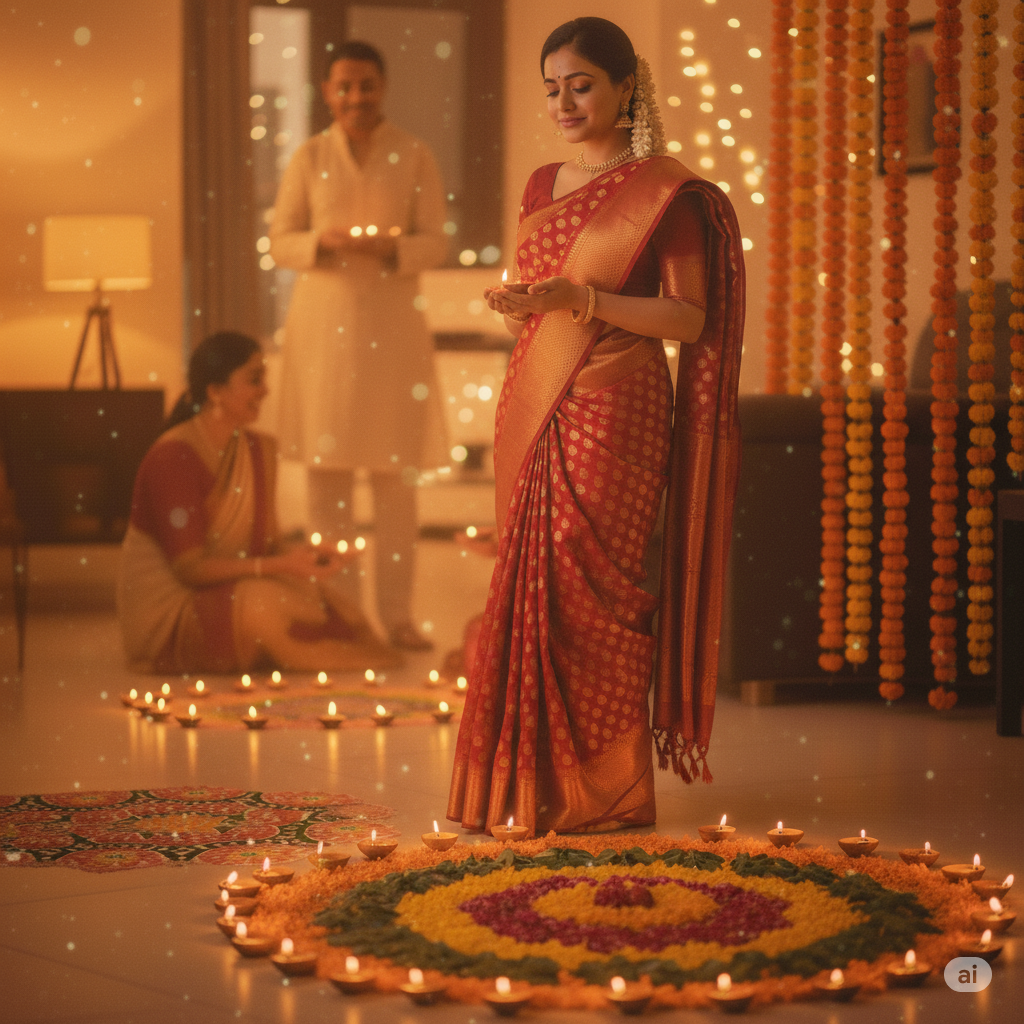
15. Traditional South Indian Look
Prompt: Transform the uploaded image by styling her in a traditional Kanjivaram saree with jasmine flowers in her hair. Decorate the floor with a floral rangoli and brass diyas. Add a golden hue lighting to mimic a phone-captured Diwali scene during the evening pooja.
16. Indo-Western Festive Fusion Style
Prompt: Use the uploaded photo and dress her in an Indo-western outfit — embroidered kurti with palazzo pants. Create a modern Diwali décor with glass diyas, pastel rangoli, and string lights. Add warm light reflections for a natural glow, maintaining a genuine phone camera vibe.
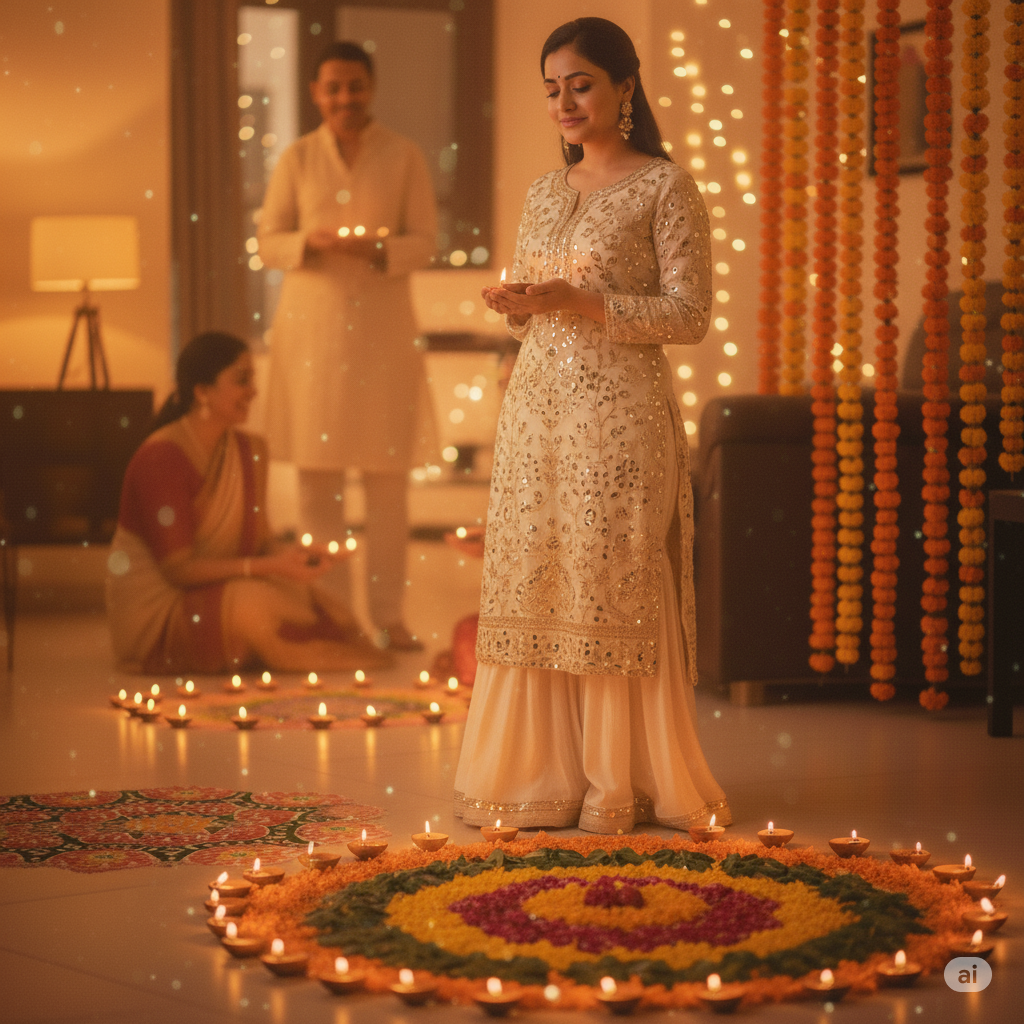
17. Holding Two Diyas with Both Hands
Prompt: Transform the uploaded image by showing her holding two diyas in both hands close to her face. The soft glow should illuminate her cheeks and eyes. Keep the background slightly dim with a visible rangoli pattern. The lighting must look natural and warm, resembling a real smartphone click.
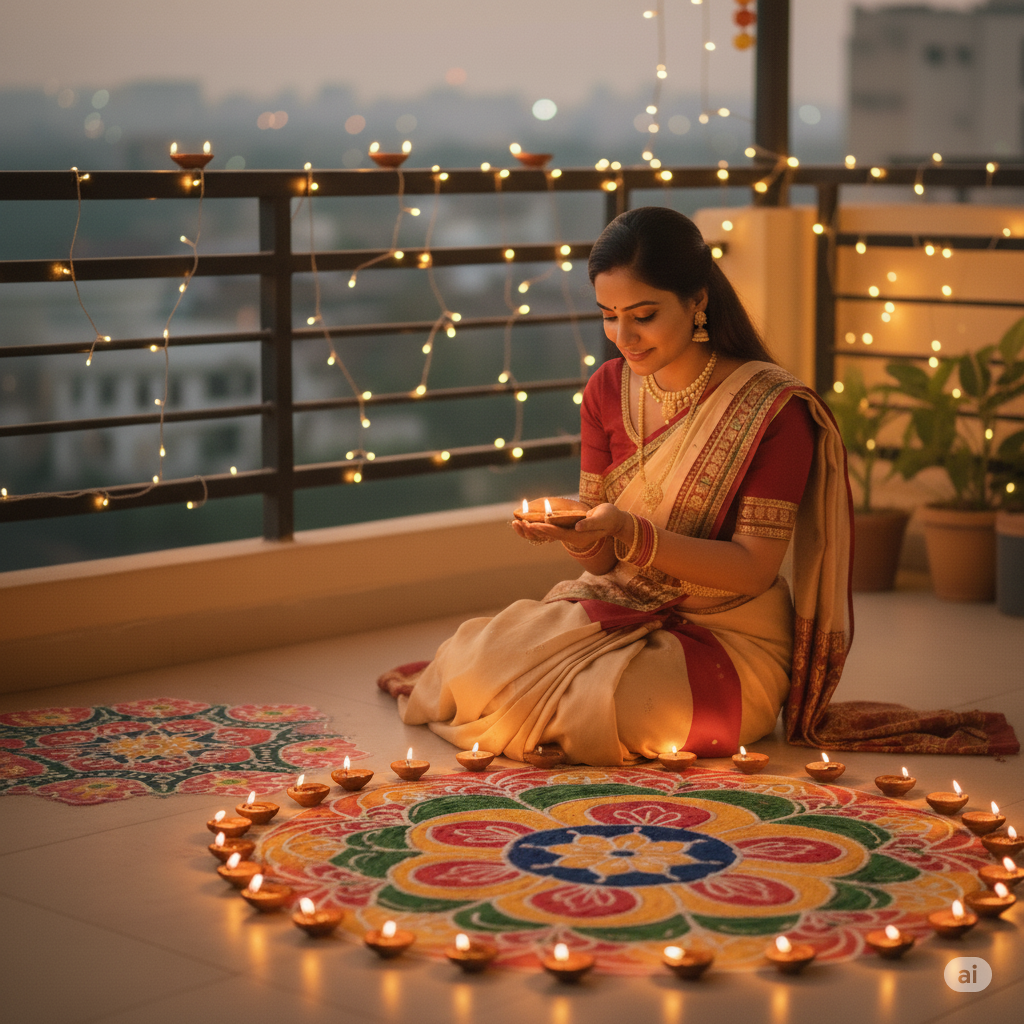
18. Sitting on Floor with Sparkler
Prompt: Transform the uploaded image by showing the lady sitting on the floor beside a rangoli, holding a small sparkler in one hand. Add realistic spark light reflections and warm festive tones. Ensure the image feels unfiltered and natural, just like a phone-captured celebration photo.
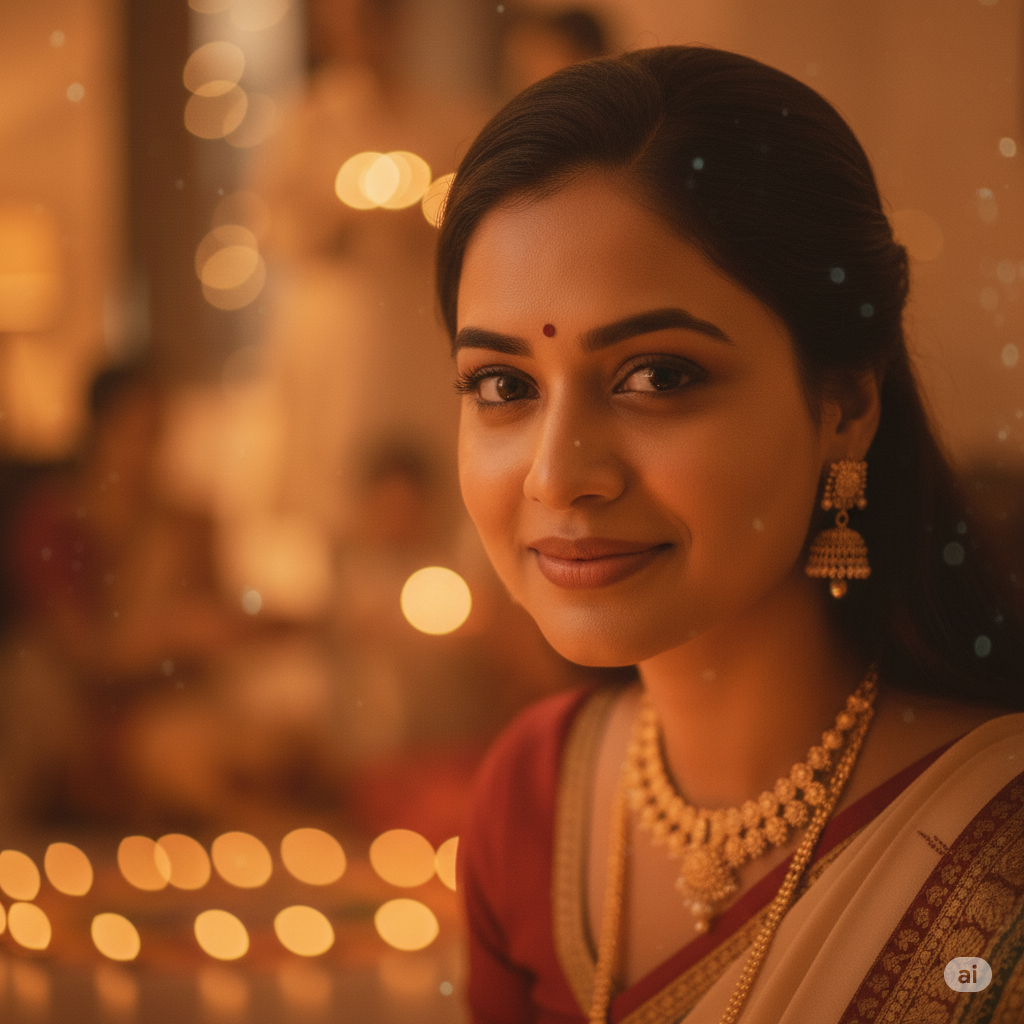
19. Close-Up Face Beside Diya
Prompt: Use the uploaded photo and zoom in for a close-up shot of her face glowing in the light of a diya placed nearby. Add a subtle background of blurred rangoli colors. Keep her expression calm and natural, making it look like an intimate, phone-clicked festive portrait.
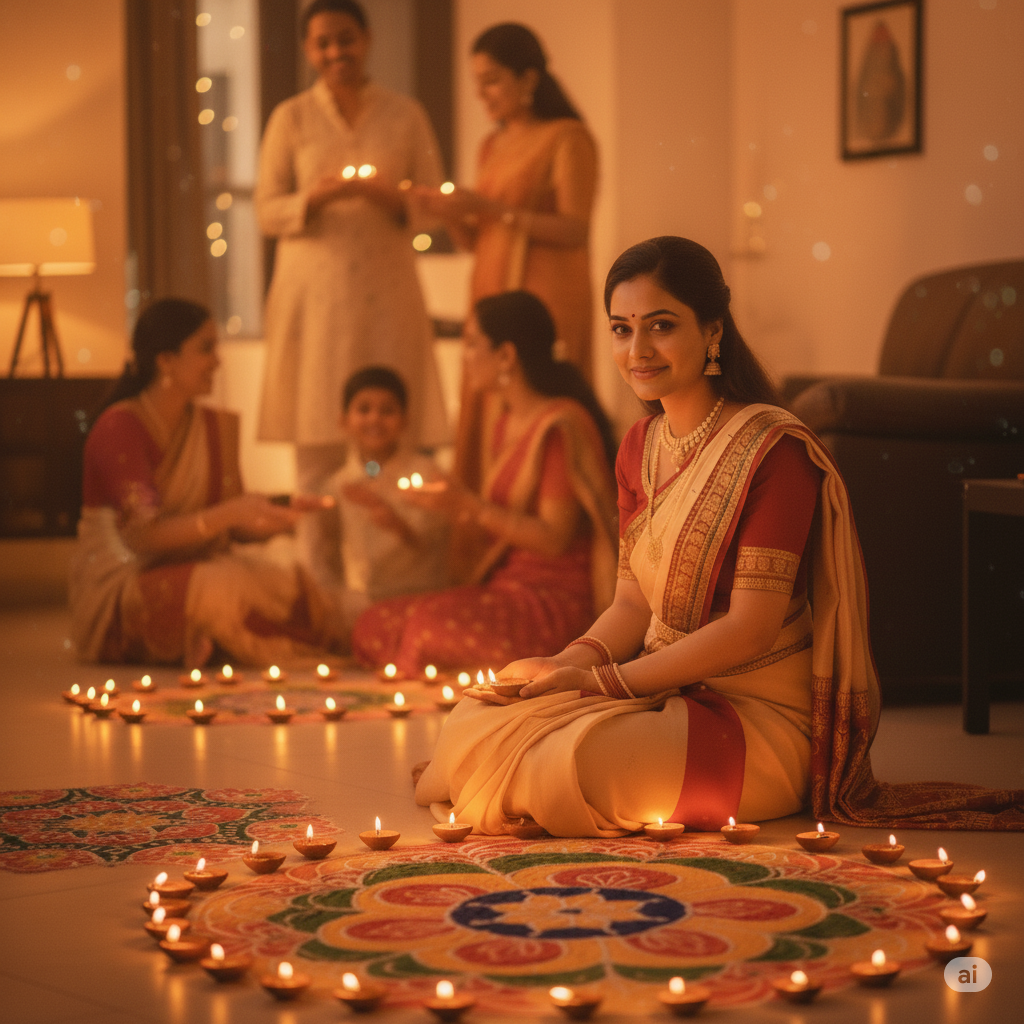
20. Family Background Festive Look
Prompt: Transform the uploaded image by placing her in a home setting with a visible rangoli, diyas, and faint family members in the background. Capture her smiling softly at the camera with warm lighting. Keep the tones realistic, just like a candid photo clicked from a phone during Diwali night.
Conclusion:- Friends, if you loved our Top 20 Diwali Prompts for Gemini Girls, don’t forget to share it with your friends and family on WhatsApp! 🌟 Let them also enjoy creating stunning and beautifully edited Diwali photos. Spread the festive vibes and let everyone shine bright this Diwali! ✨